
Compliance
The filings, the registers, and the clock on each
Most compliance software asks you what applies to you. This works it out from your headcount and the States your offices are in, then tracks the deadline.
- Registrations and filings derived from headcount and office States
- Statutory registers producible on demand, as one export
- Both accident clocks run 24 hours from the accident, not from when it was reported
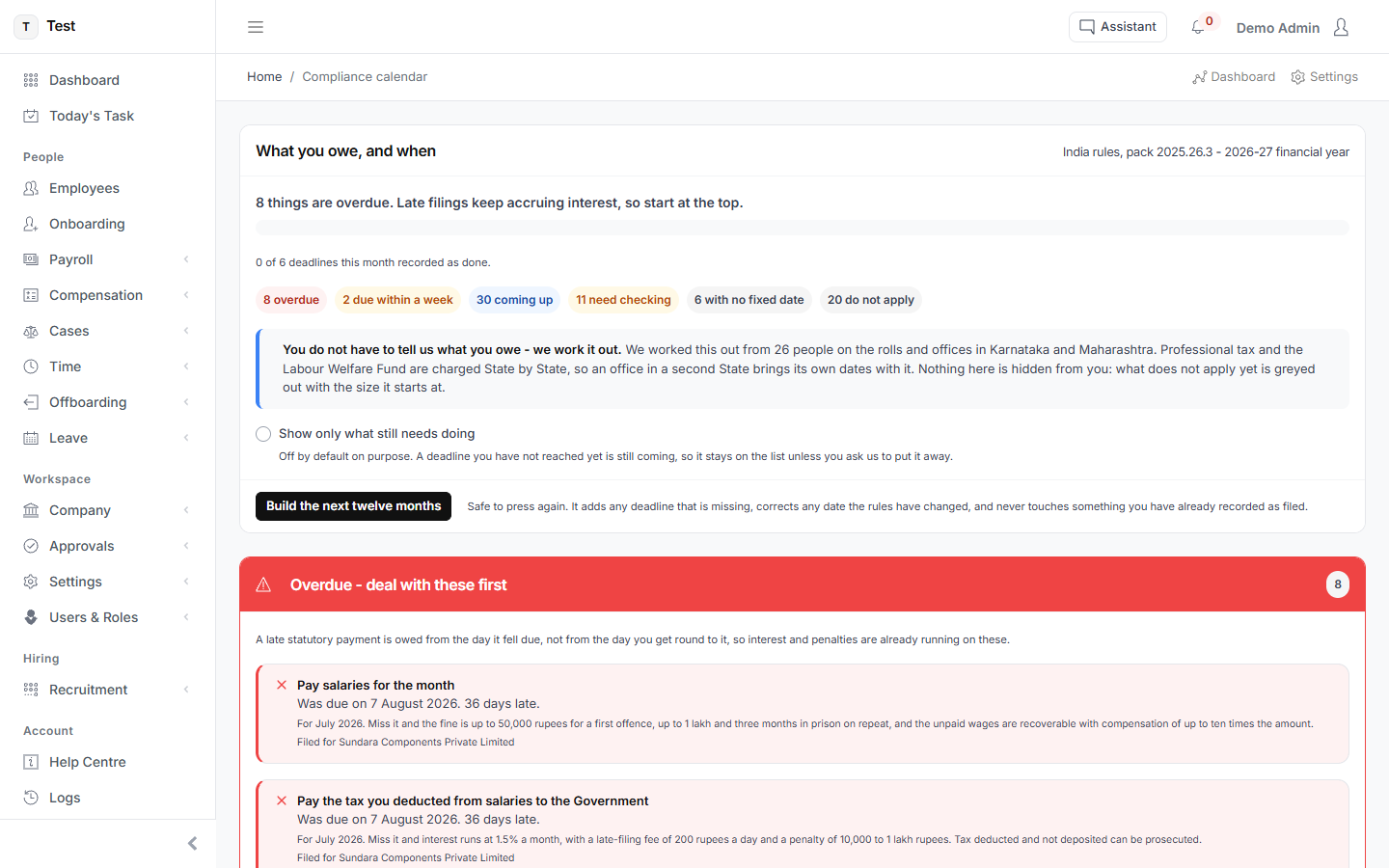
What you owe, for the next twelve months
Built from your own situation rather than a generic checklist. Late filings accrue interest and penalties daily - the calendar exists to make the next deadline unmissable, not to be browsed once.
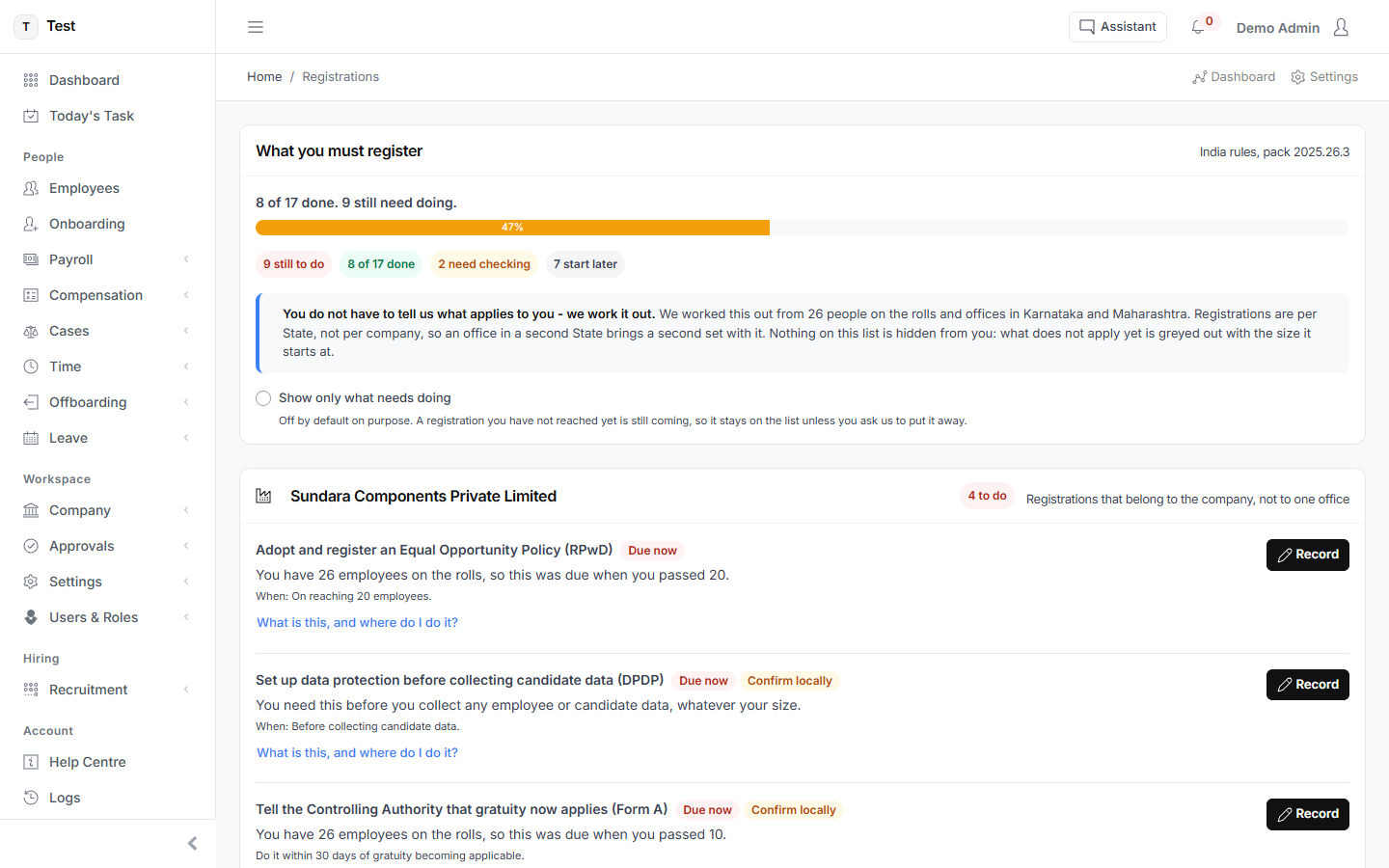
Registrations you actually need
You are not asked which registrations apply. They are worked out from the people on your rolls and the States you operate in, and each number is recorded once so every filing can reference it.
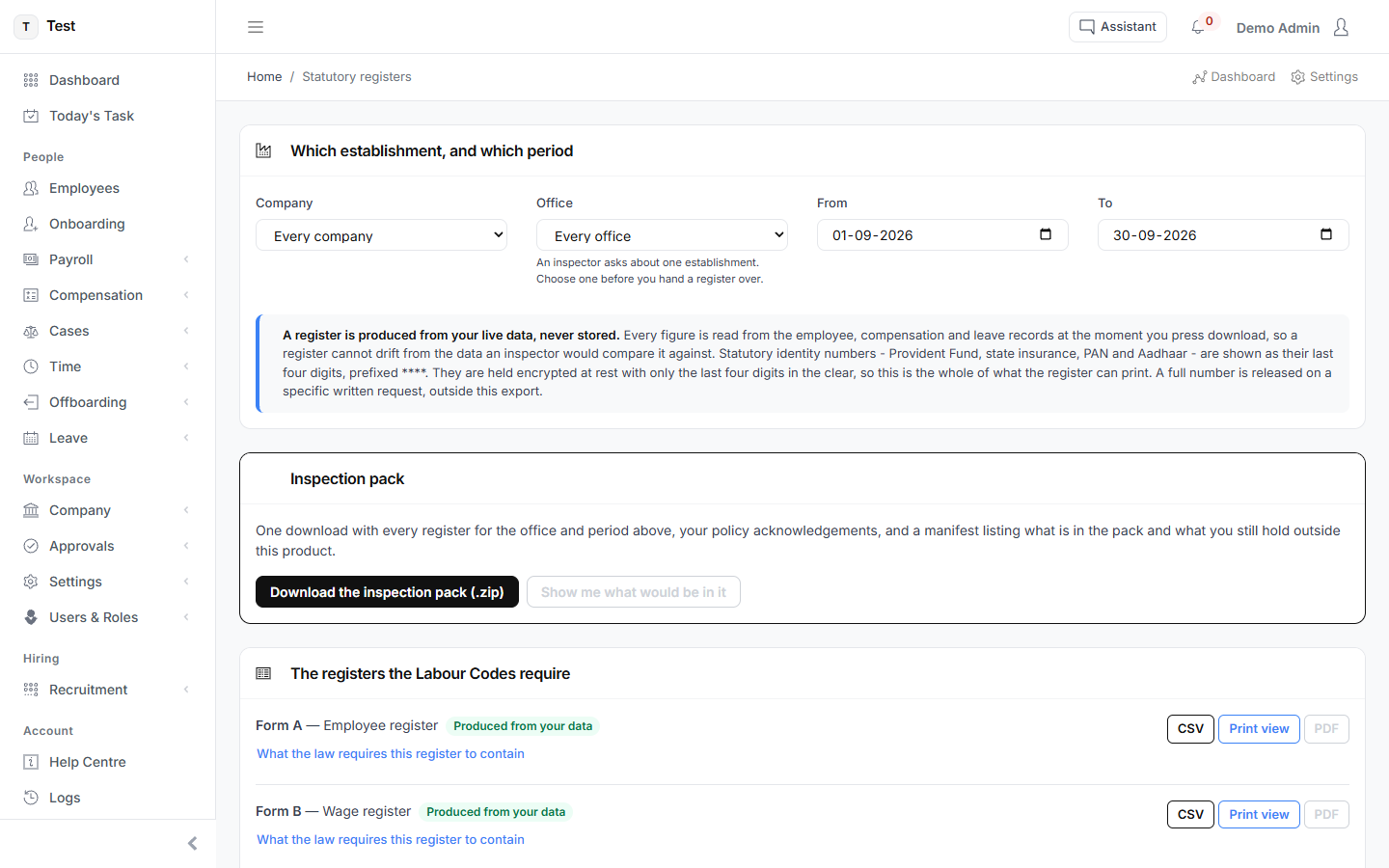
Registers an inspector can ask for
The statutory registers, exportable as a single pack. The point is being able to produce them on the day rather than assembling them afterwards.
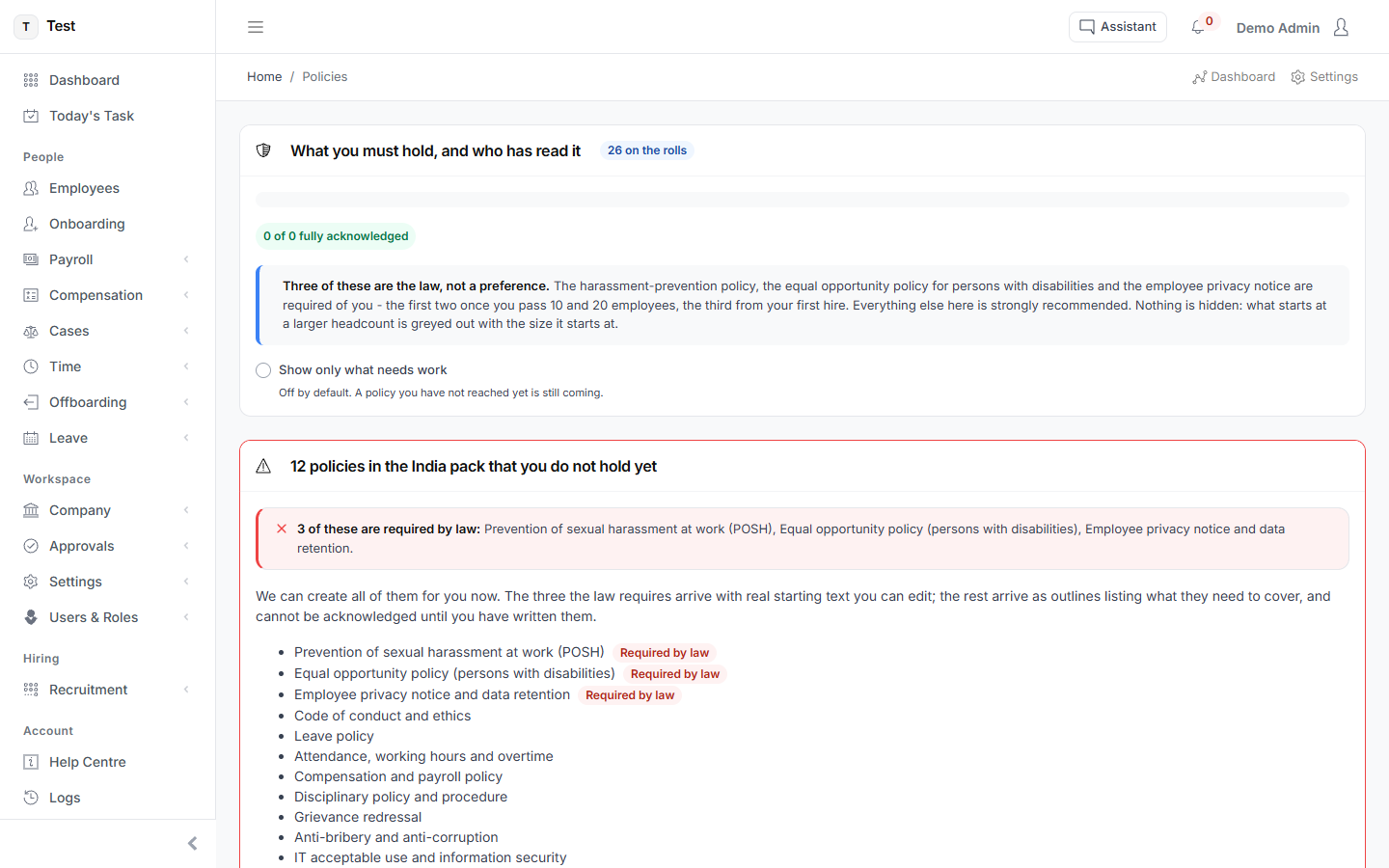
The policies that are not optional
Three are required by law rather than recommended - harassment prevention, equal opportunity for persons with disabilities, and the employee privacy notice - and the product says which, from what headcount each starts applying, and who has acknowledged it.
See it with your own numbers
Every module is switched on during the trial. Set up takes about a minute, and cancelling is a matter of doing nothing.
Start free trialOr read how each screen works in the user guide.