
Payroll
Payroll that knows what it owes
Run a month, see what changed against last month, and file what follows - with the statutory arithmetic already done rather than kept in a spreadsheet somebody maintains.
- Wages are payable by the 7th of the following month, and the run tracks that date
- Provident fund, state insurance, professional tax and welfare fund computed from the pack
- Four different pairs of hands: computed, checked, approved, released
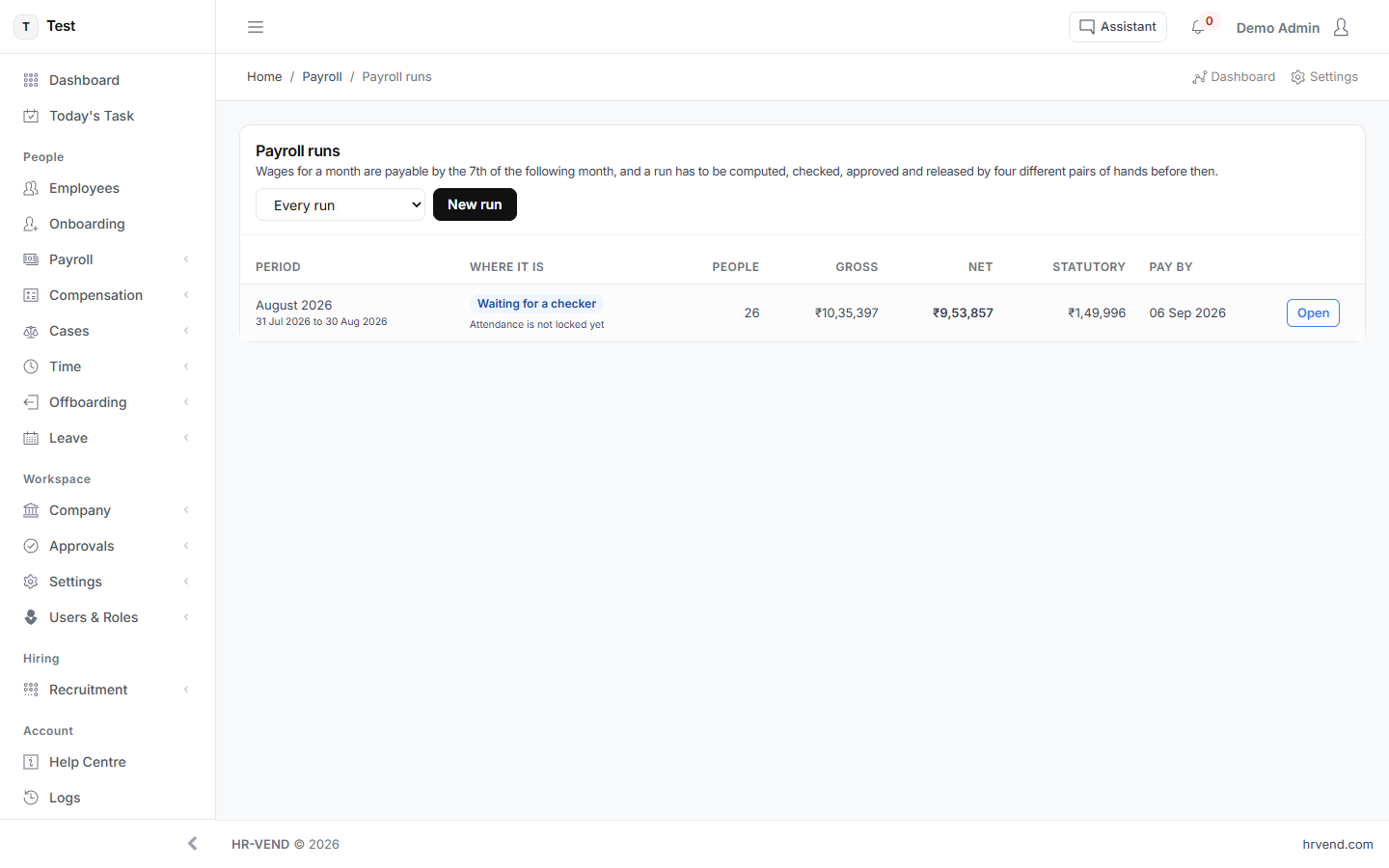
The run tells you what to look at
A payroll run is not a button that produces a number. It computes, then lists what a person should check before approving - missing statutory fields, employees whose pay moved more than a threshold, a period whose attendance is not locked yet. Nothing is approved by being ignored.
Variance, before you pay rather than after
Every run is compared with the one before it, employee by employee, and anything beyond five per cent or fifty thousand rupees is called out. A first run says so plainly instead of inventing a comparison.
The files come out of the run
The provident fund ECR, the state insurance return, professional tax and tax deducted at source are produced from the run that was approved - not rebuilt by hand afterwards from a different source of truth.
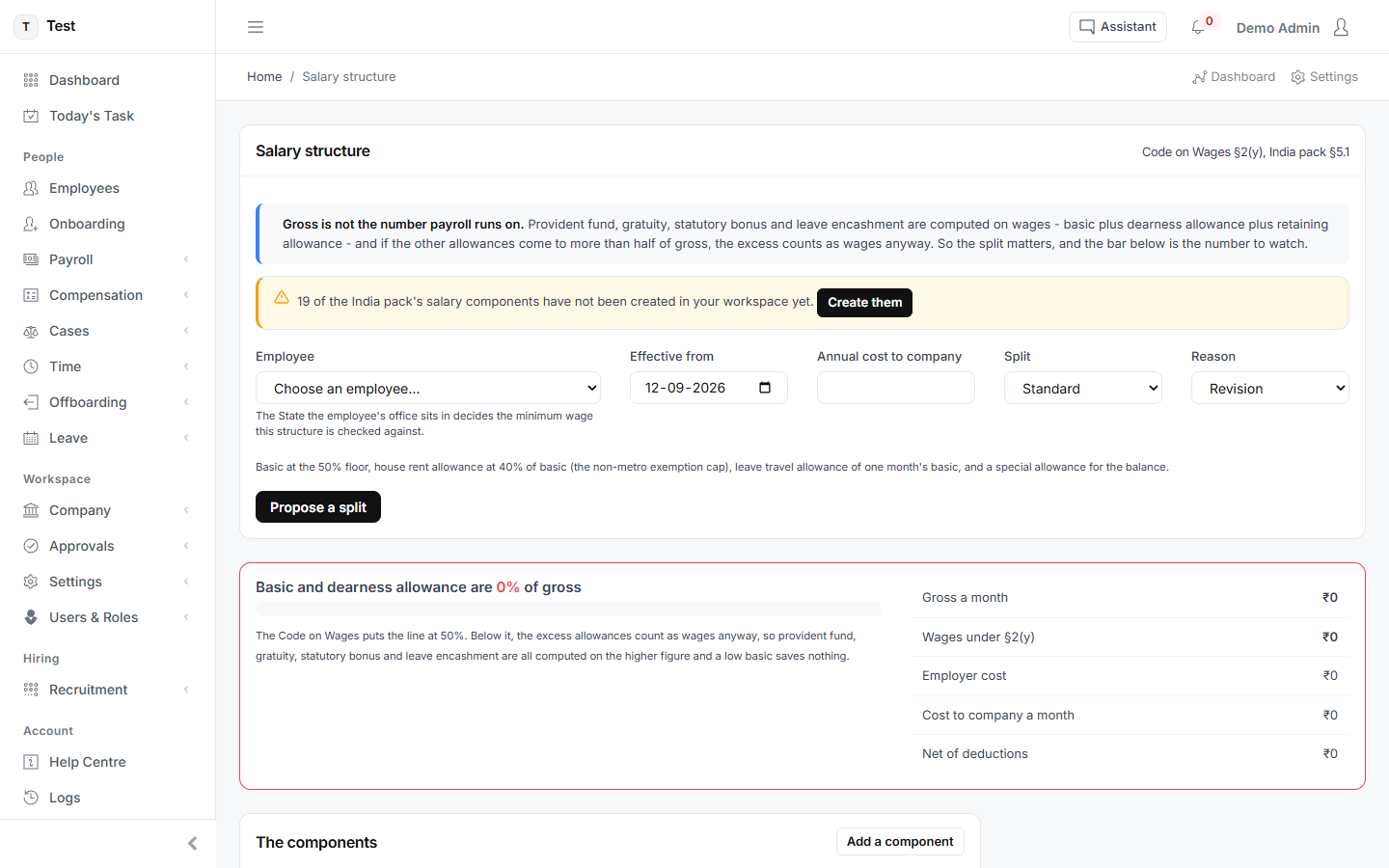
Gross is not the number payroll runs on
Provident fund, gratuity, statutory bonus and leave encashment are computed on wages - basic plus dearness allowance - not on cost to company. The structure screen runs the Code on Wages fifty per cent test as you build it, so a split that would fail is caught while it is still a draft.
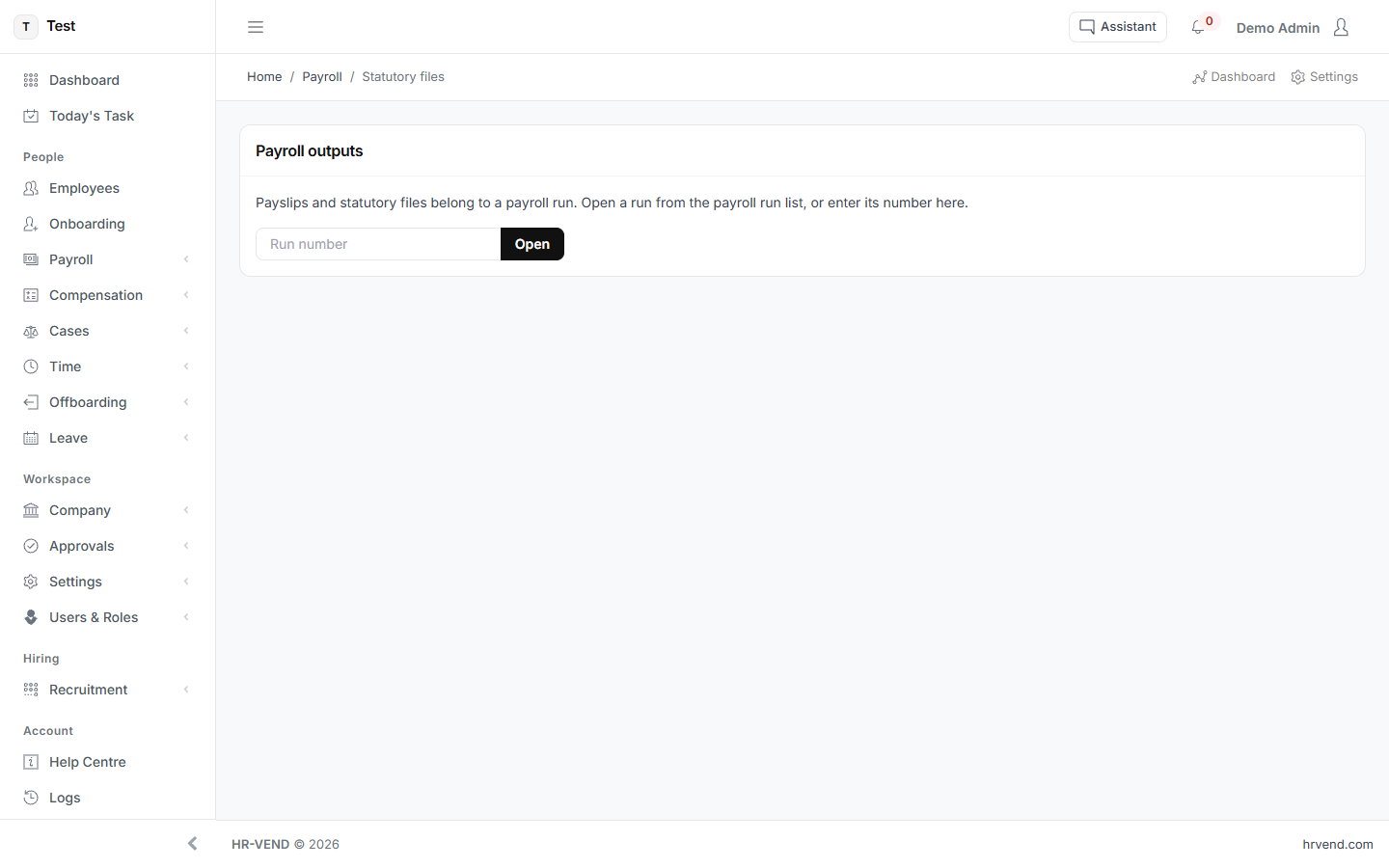
See it with your own numbers
Every module is switched on during the trial. Set up takes about a minute, and cancelling is a matter of doing nothing.
Start free trialOr read how each screen works in the user guide.