
Headcount plan
A headcount plan for a period - what you intend to hire, and against which budget. Recruitment reads it, so a job opened outside the plan is visible as such rather than discovered at year end.
Find it under Hiring › Recruitment in the sidebar, at /manpower.
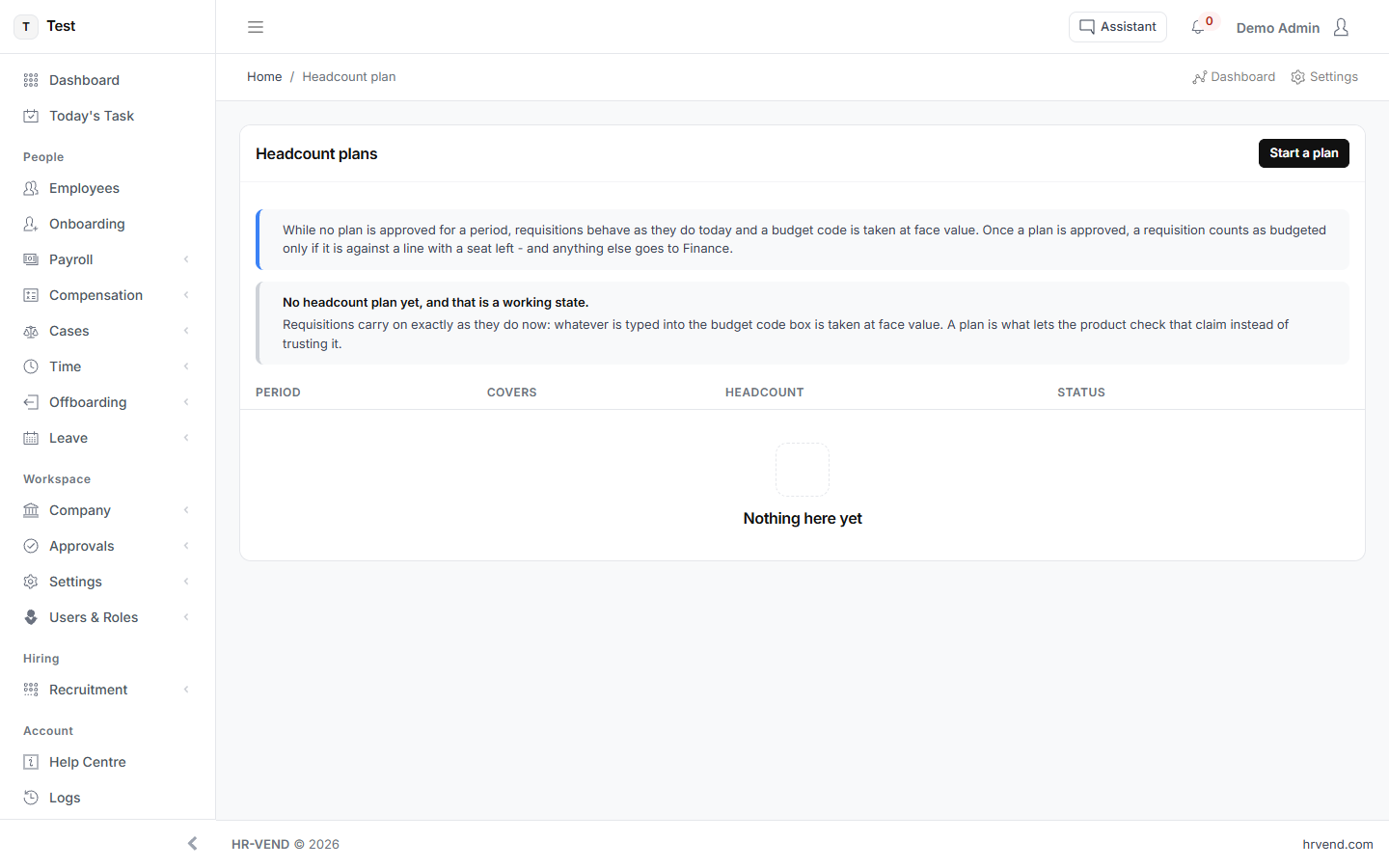
What the screen tells you
While no plan is approved for a period, requisitions behave as they do today and a budget code is taken at face value. Once a plan is approved, a requisition counts as budgeted only if it is against a line with a seat left - and anything else goes to Finance.
No headcount plan yet, and that is a working state.Requisitions carry on exactly as they do now: whatever is typed into the budget code box is taken at face value. A plan is what lets the product check that claim instead of trusting it.
It starts as a draft and affects nothing until you approve it.
What you can do here
- Start a plan
- Cancel
- Create the draft
- Add
What the list shows
- Period
- Covers
- Headcount
- Status